Reconstruct the space
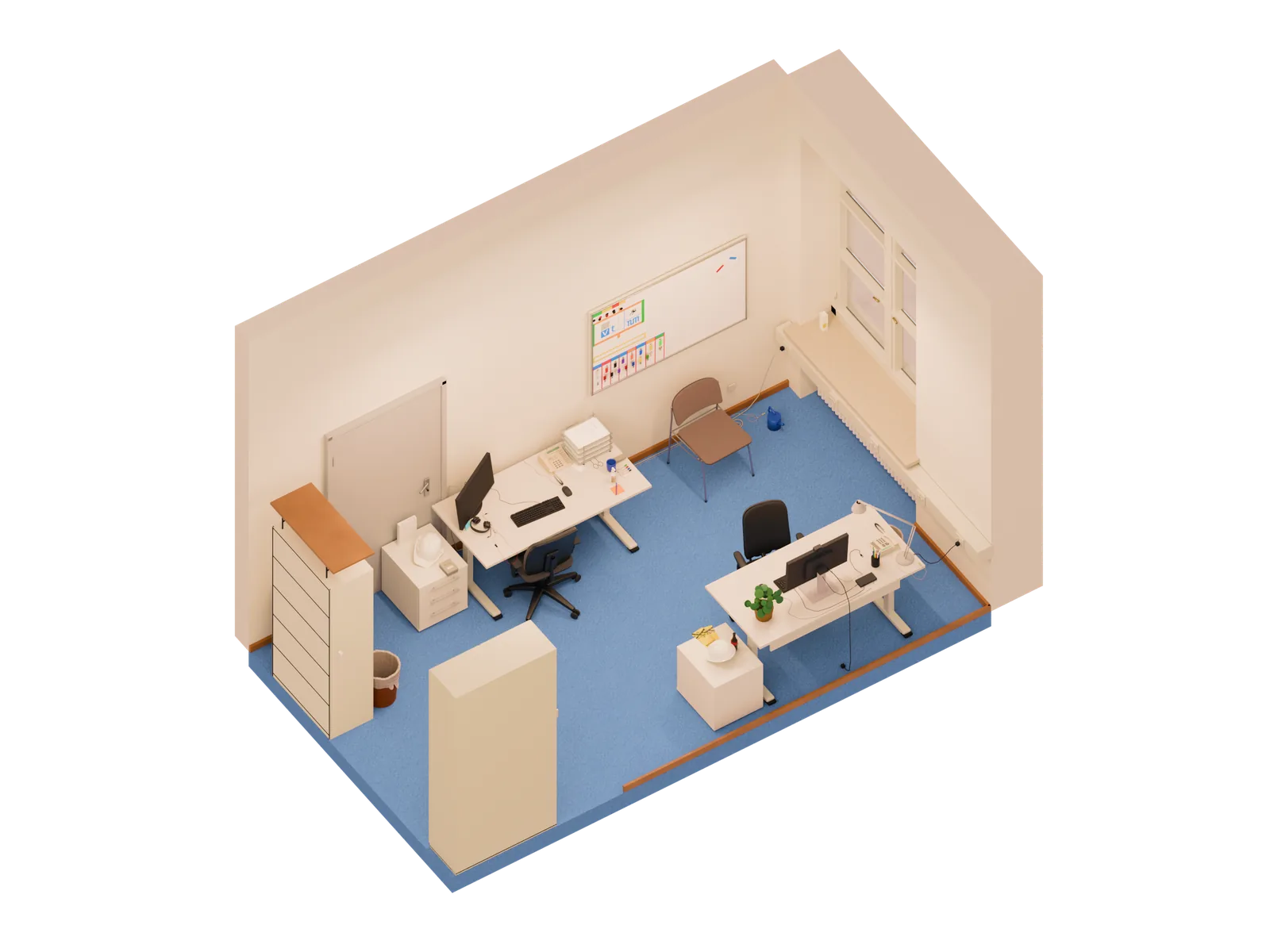
Reconstruct room and object layout from multi-view photos into a walkable 3D scene.


ORBIS
Orbis is a virtual simulation-data service. It reconstructs a space from multi-view photos, calibrates how objects behave against captured motion, and delivers interactive 3D scenes and physics-simulation data for robot training. We do not train the models.
HOW IT WORKS
First reconstruct the space, then calibrate object motion from captured movement, and deliver the scene and contact data. You or your model partner run the training; new on-site footage can return to the data pool for the next delivery.
Reconstruct room and object layout from multi-view photos into a walkable 3D scene.
Fit material parameters from captured motion, simulate the movement, compare it with the capture, and iterate.
Calibrated scene and contact data for you or your model partner to use in robot training and evaluation. We do not train the models.
WHAT YOU CAN USE
Upload multi-view photos of the same space to generate an interactive 3D scene.
Interactive 3D scenes with non-penetration contact among rigid, articulated, and deformable objects.
Use an IPC-based simulator to build your own assets and scenes for simulation.
SCENE RECONSTRUCTION
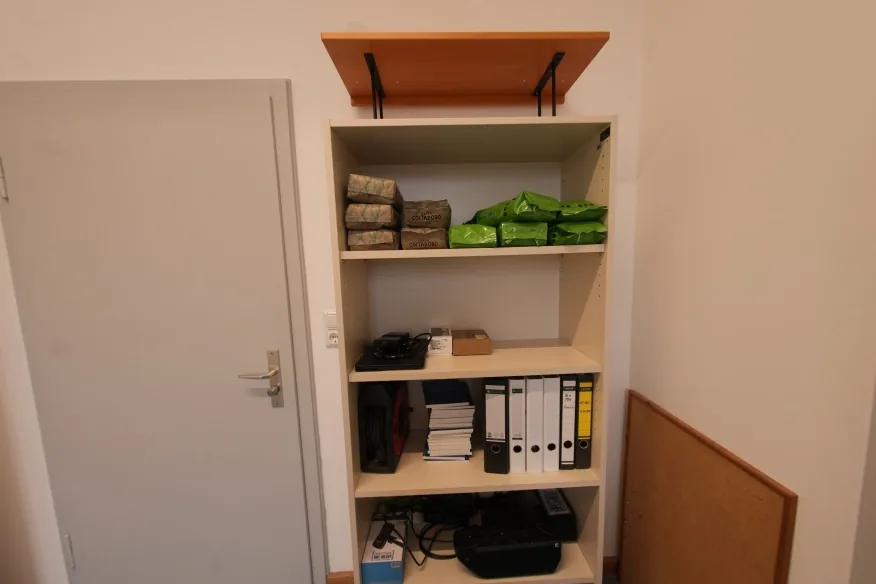
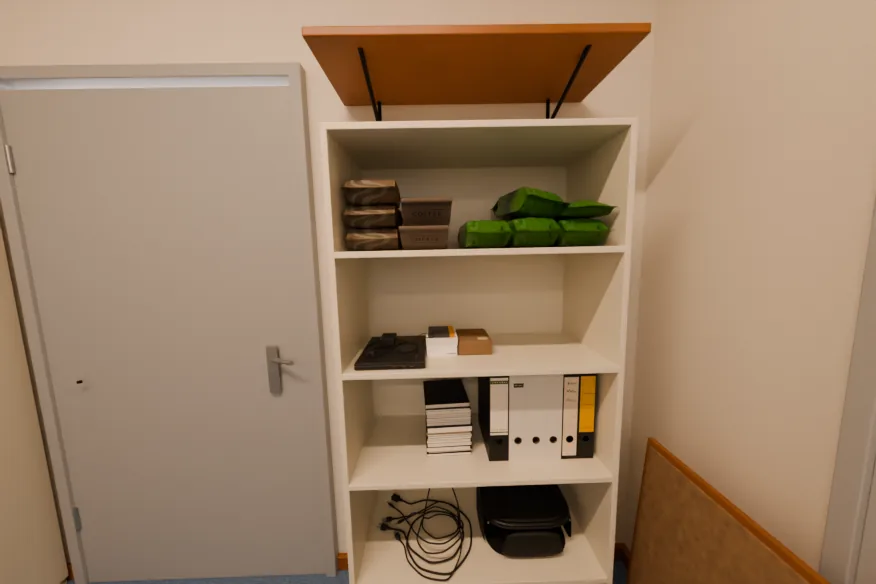
Compare photographs with the reconstruction to inspect layout, furniture placement, and occlusions. Reconstructing a full apartment scene takes about one hour.
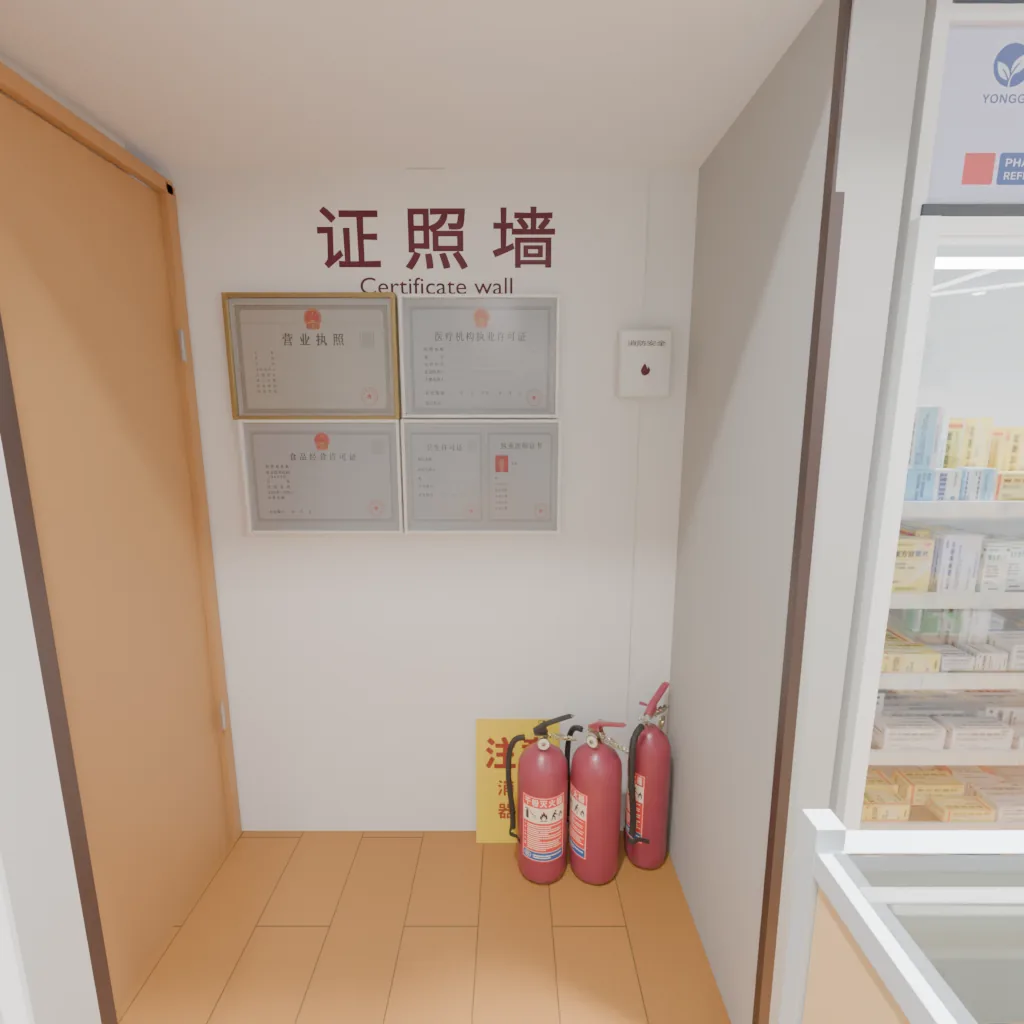
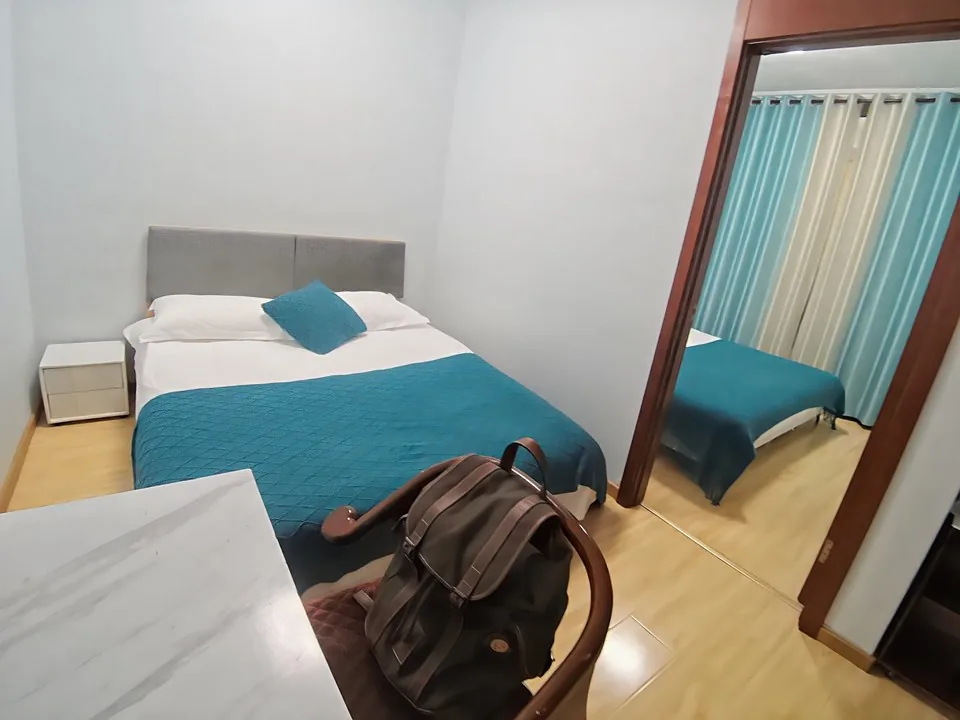
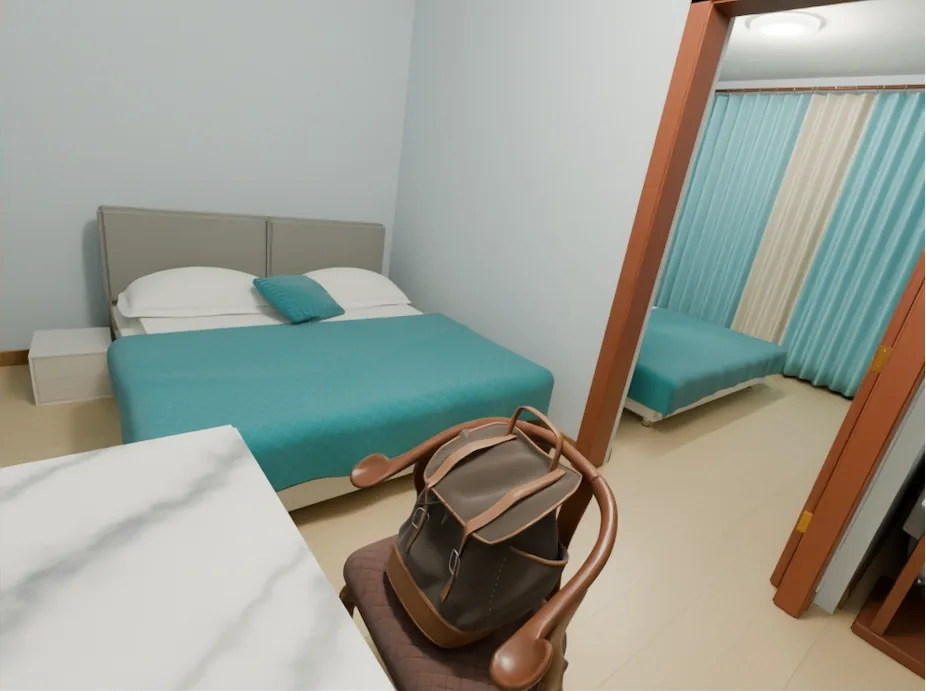
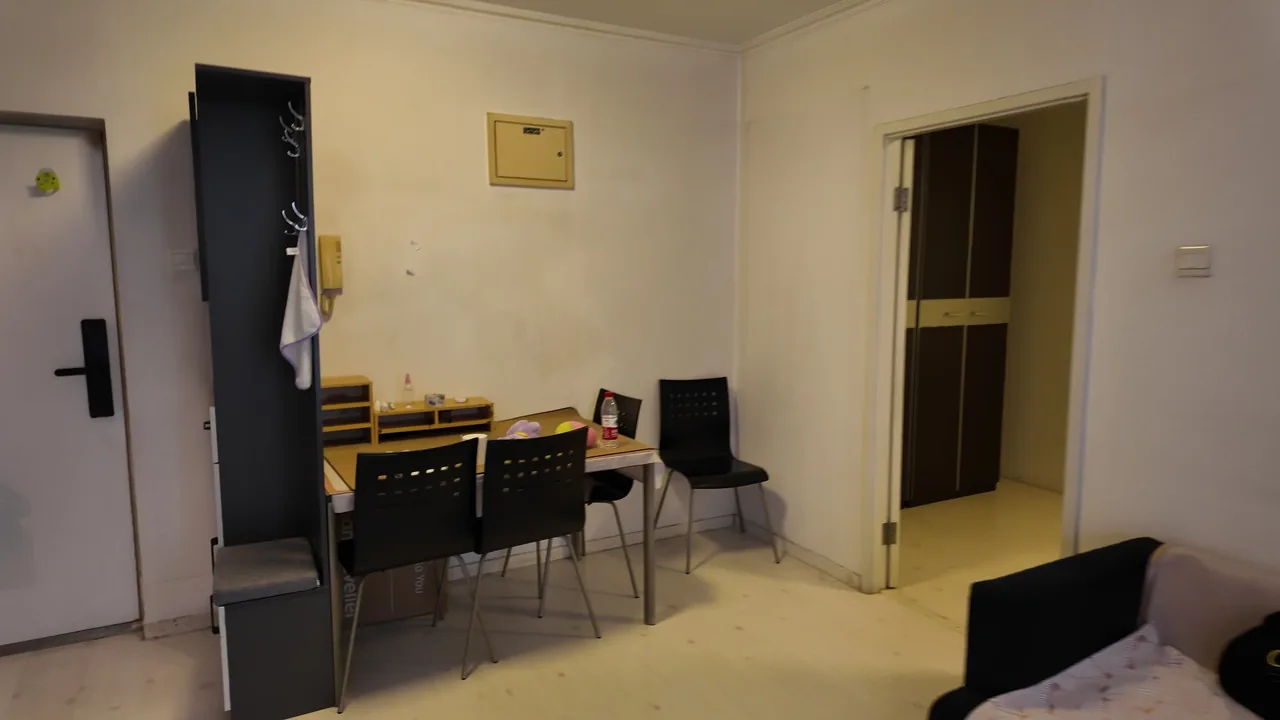
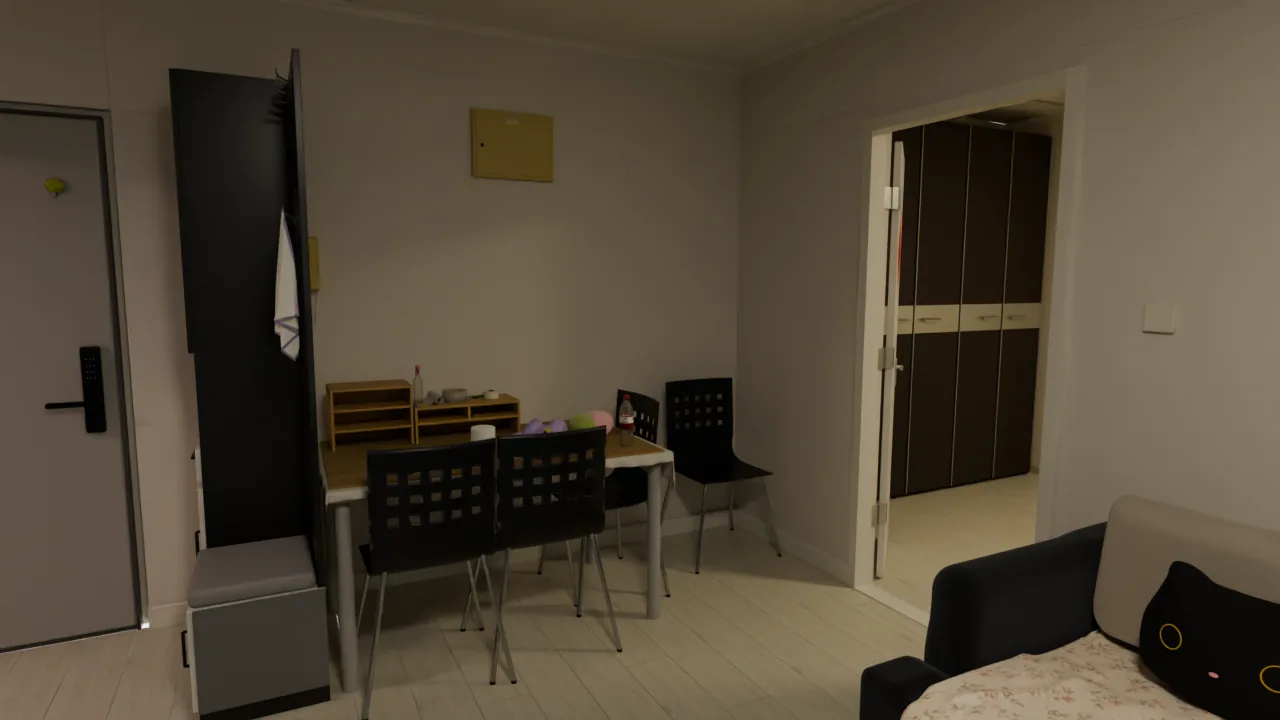
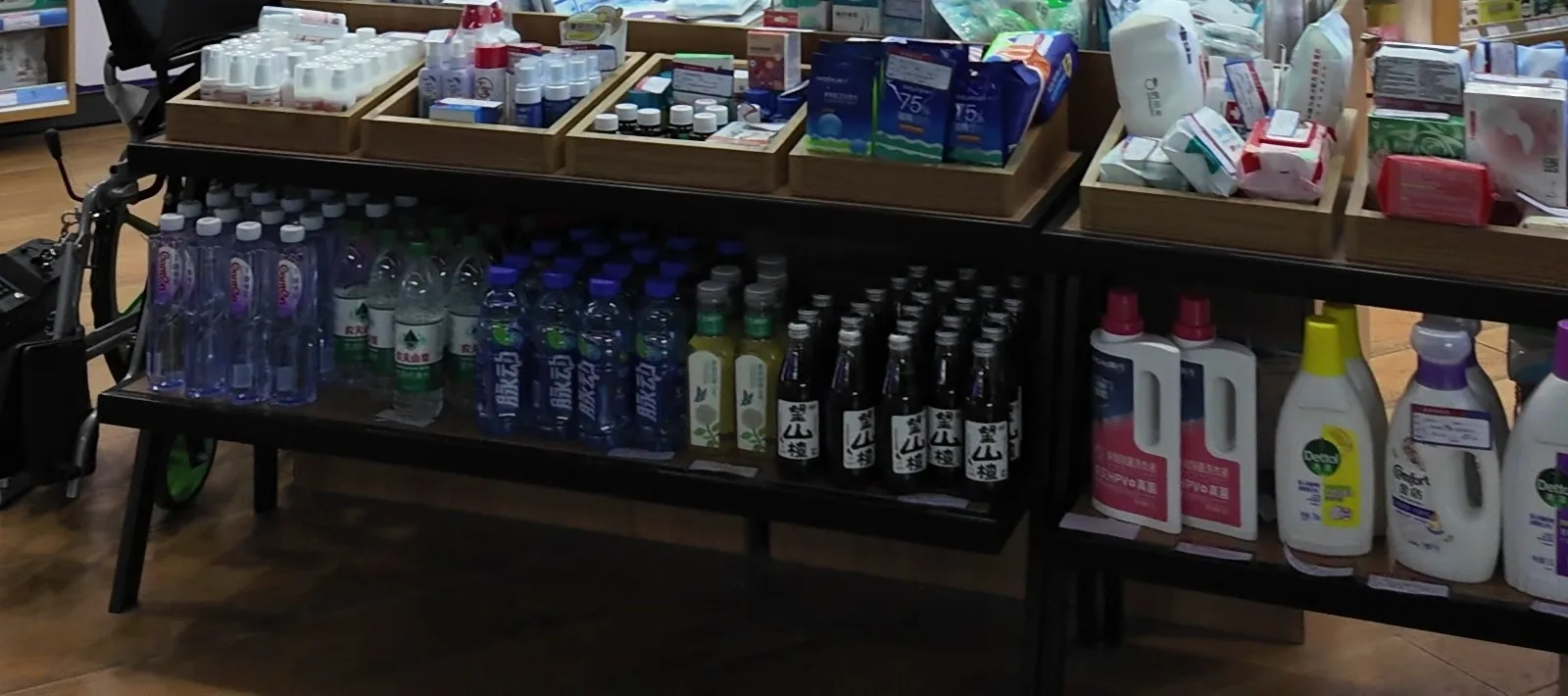
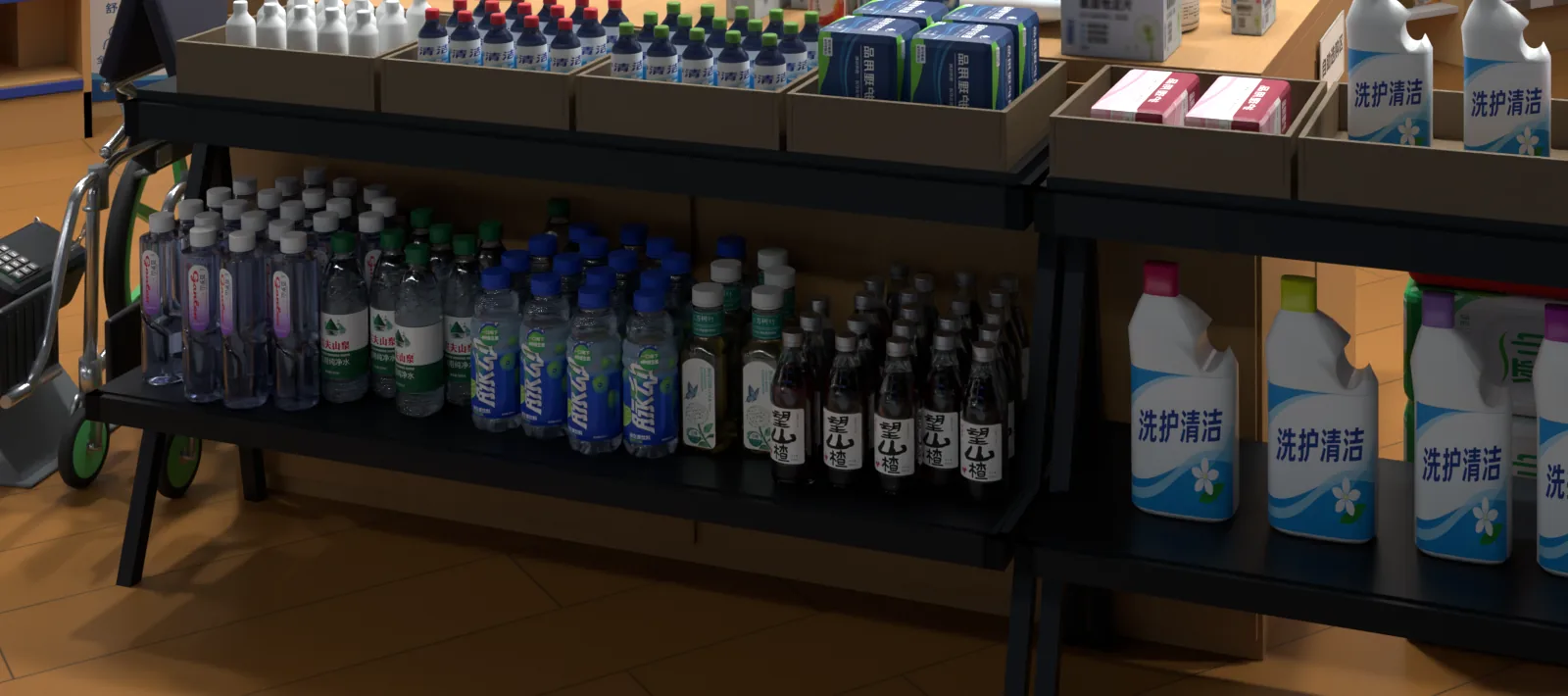
WALKTHROUGH
Scene reconstruction time: about 1 hour
Play the walkthrough to see how the rooms connect. The office can also be inspected from inside the model.
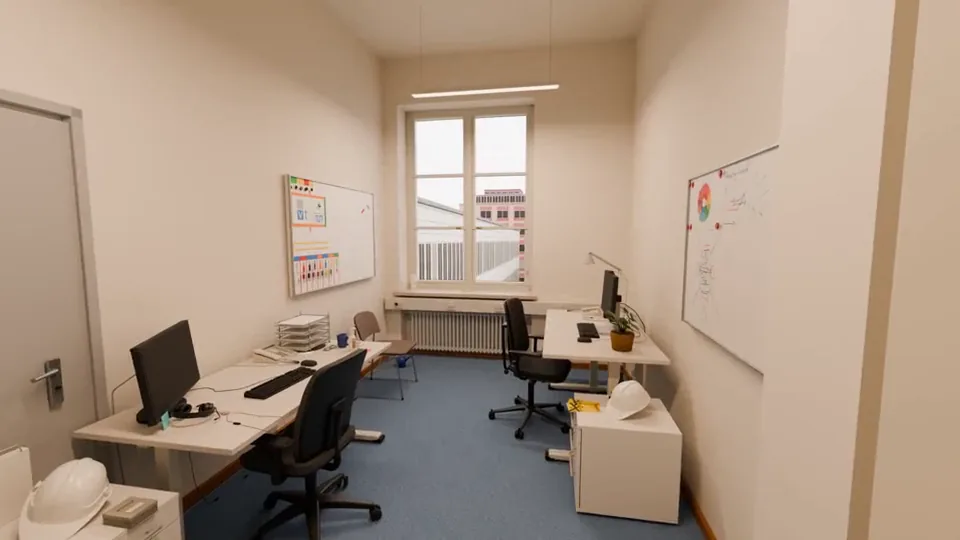
DEFORMABLE ASSETS
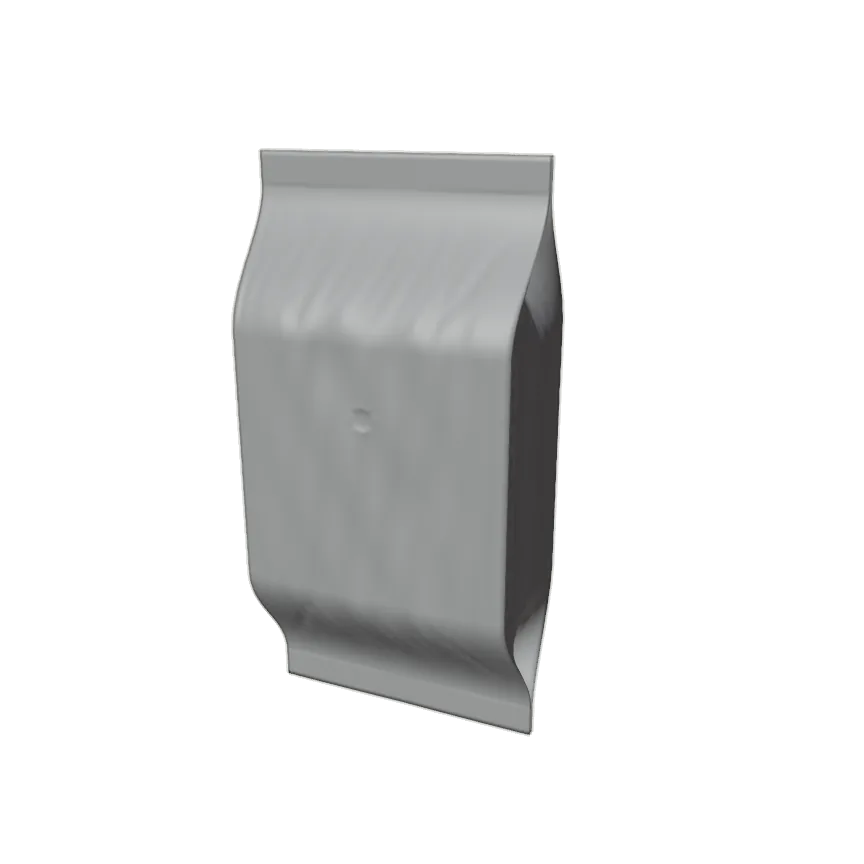
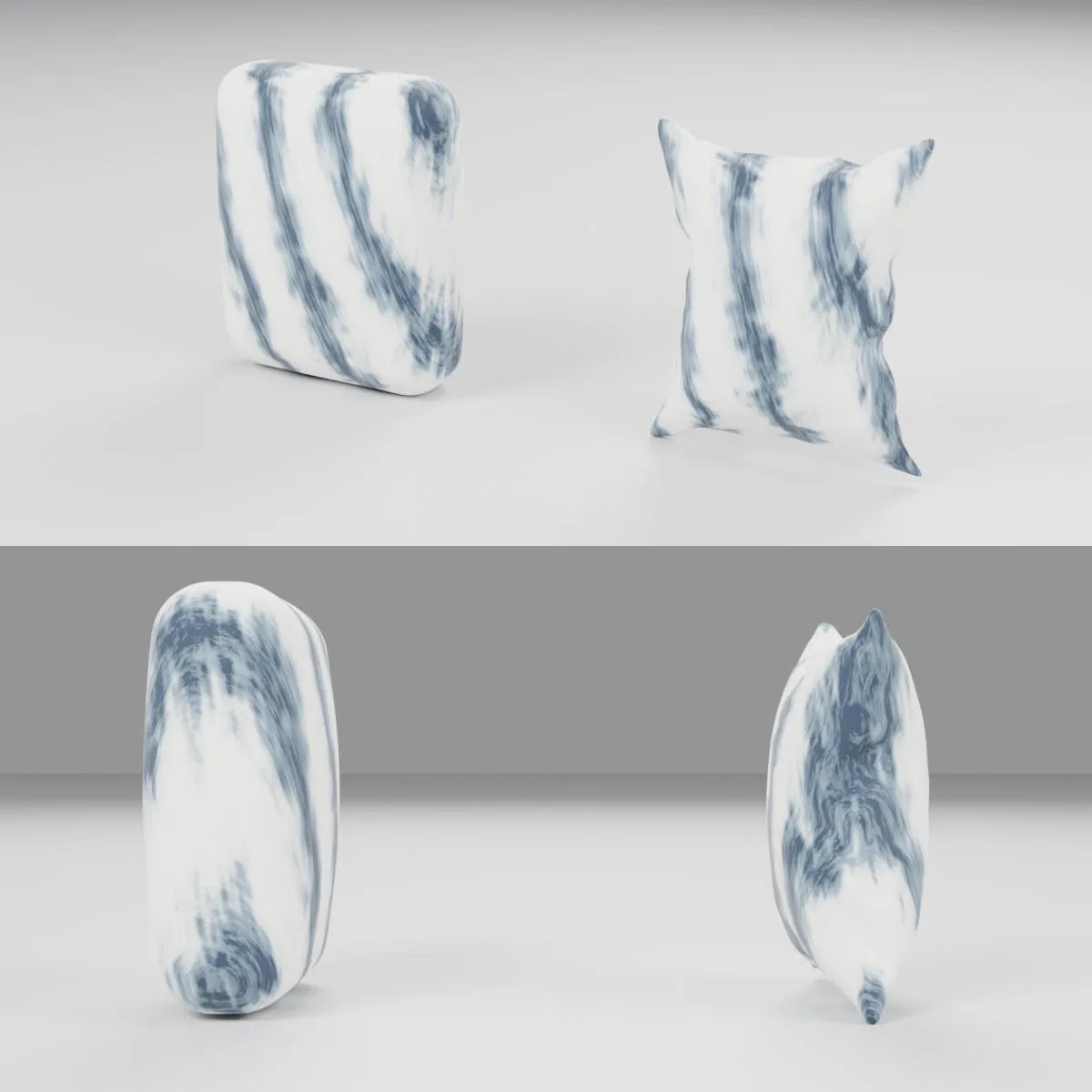
Starting from geometry and material descriptions, generate soft-body assets for simulation — for example a folded pouch or a pillow.
PHYSICS
When a robot hand lifts the handset, the cord stretches and deforms with it.
CALIBRATION
Watch the free edge of the cloth when the grippers release. The top row is the captured camera view and point cloud; bottom left is the PhysTwin baseline; bottom right is Orbis (labeled Ours in the footage).
CONTACT
In this solver dense-contact test, Orbis ran at 39.2 ms per frame and 25.5 fps with 0% of frames showing penetration; tuned Newton VBD ran at 41.9 ms per frame and 23.9 fps, with penetration in 91% of frames. Orbis is labeled Ours in the footage. These figures are an engine benchmark, not a customer-project metric.
| Simulation method | Time per frame | Frame rate | Frames with penetration |
|---|---|---|---|
| Orbis | 39.2 ms | 25.5 fps | 0% |
| Newton VBD (tuned) | 41.9 ms | 23.9 fps | 91% |
DEMOS
Open the cover, lift a stack of pages, then turn a single leaf. All three actions play at original speed.
Compute times are optimistic estimates after optimization (same resolution and precision, RTX 4080).
WHY IT HOLDS TOGETHER
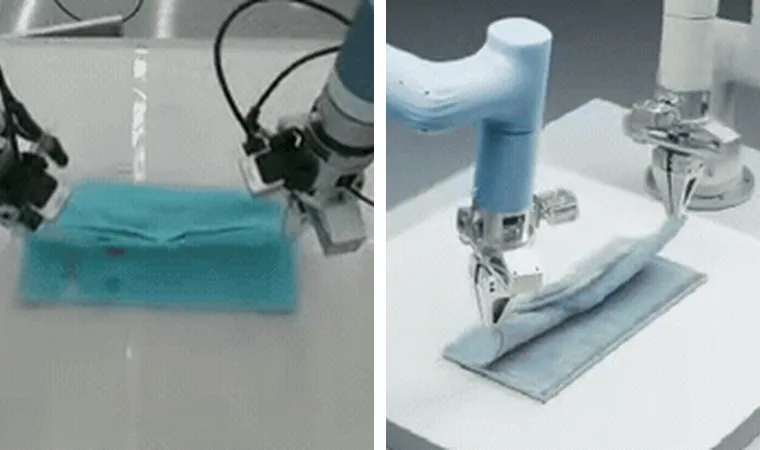
Adjust cloth stiffness from gradients, so fitting a captured folding motion involves less trial and error.
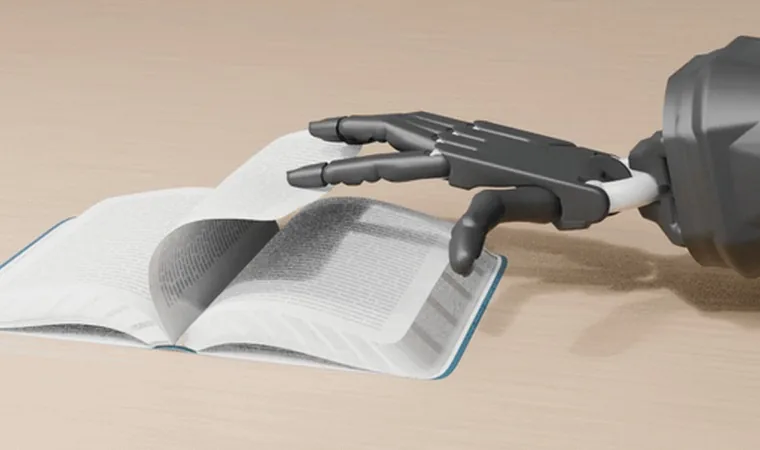
Adjacent pages can touch and slide without penetrating each other.

When the solver conditions are met, dense contact still converges stably. In this test, time per frame was 6.4% lower than tuned Newton VBD.
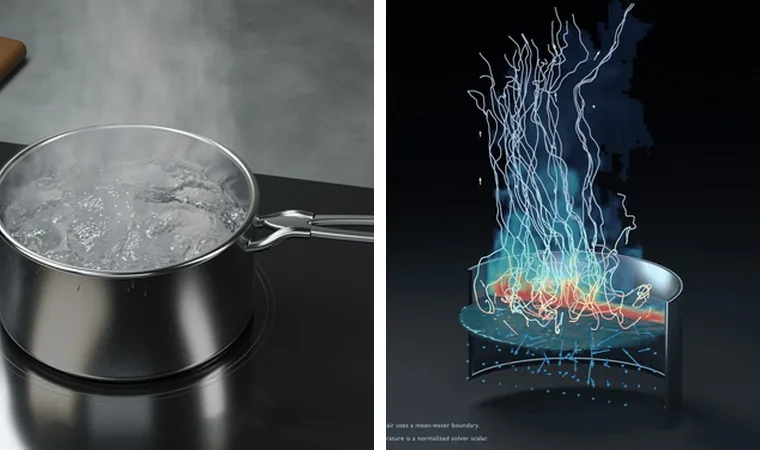
Water and a rigid pot wall interact in the same solver.
START WITH YOUR TASK
From device selection to data and training workflows, we'll help you find the right place to start.