Two versions, one capture workflow
UMI-GB records video, inertial data and gripper width; UMI-GT adds fingertip tactile sensing for contact and force fusion experiments.


MANIPULATION / TACTILE
A handheld two-finger parallel gripper that records human manipulation. Video, inertial data and gripper width are recorded in sync and segmented by task; the tactile version adds normal and shear contact signals.
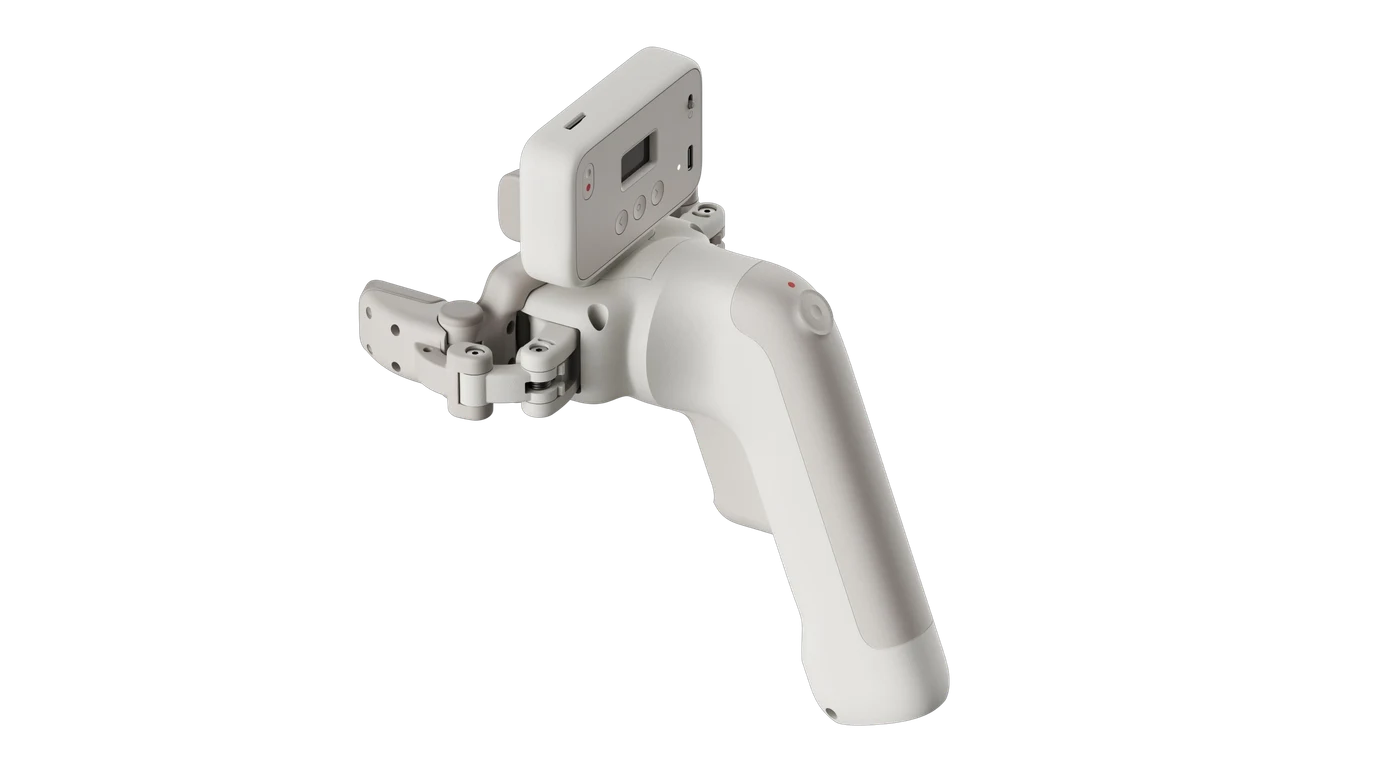
Data outputs, interface adaptation and delivery scope are confirmed per task.
UMI-GB records video, inertial data and gripper width; UMI-GT adds fingertip tactile sensing for contact and force fusion experiments.
Data enters the sync queue only after it is fully written to SD. Configured devices keep capturing locally when the network drops or the NAS is unreachable, until storage runs out.
Capture mode and robot deployment mode are separate. Policy transfer still requires calibration, action adaptation and real-task evaluation; data capture alone does not promise training gains.
CHOOSE YOUR SIGNALS
Standard · no tactile
Video, inertial data and gripper width give basic manipulation demos and early POCs a place to start.
Compare versionsTactile · normal + shear
Adds fingertip contact signals on top of the base data, for research on force control, slip and deformable-object manipulation.
Tactile specsTHE DETAILS MATTER
| Item | UMI-GB Standard | UMI-GT Tactile |
|---|---|---|
| Video + IMU + width | Supported | Supported |
| Fingertip normal / shear tactile | Not included | Supported |
| Working distance | 10–30 cm | 10–30 cm |
| Video | 1600 × 1200, 60 fps, global shutter | 1600 × 1200, 60 fps, global shutter |
| IMU | 500 Hz | 500 Hz |
| Gripper opening | 0–80 mm | 0–80 mm |
| Gripper repeatability | ≤±0.5 mm | ≤±0.5 mm |
| Width output | 100 Hz | 100 Hz |
| Recording and sync | Local cache / Wi-Fi setup / automatic NAS sync | Local cache / Wi-Fi setup / automatic NAS sync |
| Research focus | Basic manipulation, demonstration data, early POCs | Contact, force control, slip, deformable objects |
| Parameter | Spec / configuration |
|---|---|
| Tactile type | Fingertip normal + shear force |
| Minimum detectable force | 0.3 N |
| Normal range | 0–25 N |
| Shear range | ±10 N |
| Tactile sampling rate | 100 Hz |
| Safe overload | 200% FS |
| Video bitrate | ≥6 Mbps |
| Inertial output | Raw accelerometer and gyroscope |
| Fingertip width accuracy | 1 mm |
| Multi-device time alignment residual | Mean ≤5 ms |
Width accuracy of 1 mm and gripper repeatability of ≤±0.5 mm are different metrics; a mean of ≤5 ms is not a maximum error bound, nor the THOR 3 μs figure.
| Parameter | Spec / configuration |
|---|---|
| Storage card | 128 GB MicroSD, write-verified and shipped with the device |
| Display | 0.96-inch monochrome OLED |
| Buttons | 3 navigation buttons + 1 REC button |
| Network | Wi-Fi setup; automatic NAS sync |
| Battery and charging | Built-in battery; USB charging; use while charging |
| Charging time | ~1 hour |
| Continuous capture | ~2 hours |
| Operating temperature | 0–40 °C |
| Weight | ~600 g per hand unit |
This group and the standard package list below come from the GT section and do not apply to GB by default.
| Parameter | Spec / configuration |
|---|---|
| UMI-GT unit | 2 units |
| 128 GB MicroSD | 2 cards, write-verified |
| Chinese user guide | 1 copy |
| Robot deployment video / IMU | Read over USB; check stability, dropped frames and alignment |
| Gripper data during deployment | Provided by a separate gripper system |
| Mode boundaries | Deployment mode does not depend on the task / NAS capture interface |
| Parameter | Spec / configuration |
|---|---|
| Write order | Fully written to SD first, then queued for sync |
| Folder hierarchy | Task / device / left-right hand / time |
| Archiving | Wi-Fi + NAS; queued segments transferred via rsync |
| NAS prerequisites | rsync tool / service enabled, account and permissions configured |
| Two-handed data | Single hand or left-right pair, for video / IMU / width / tactile alignment analysis |
| Cleanup rule | Only successfully synced data is cleaned up, by day; partial segments are never deleted |
| Retention rule | Unsynced, failed, recording or syncing data is never deleted automatically |
| Full card | With nothing to clean up, capture pauses until sync completes; press REC or restart to resume after space is freed |
| OLED display | Wi-Fi, SD, duration, task, hand, battery, charging, left/right tactile force and width summary |
| Status messages | Recording / N queued / Syncing / Done / Not configured |
Do not remove the MicroSD card while recording or syncing.
| Parameter | Spec / configuration |
|---|---|
| Network connection failed | Check the Wi-Fi setup, reconfigure or move closer to the access point |
| NAS unreachable / authentication failed | Check the address, service, account and folder permissions |
| Sync failed | Stay connected and wait for automatic retry |
| SD error / slow writes | Reseat the card and use a write-verified card |
| SD full, waiting for sync | Stay online to complete sync and scheduled cleanup |
| Task / sign-in incomplete | Select a task and sign in |
| Low battery | Connect USB to charge |
FROM CAPTURE TO ARCHIVE
Check the device and SD card as instructed, then power on and review the device ID, exterior, firmware, card status and network sync status.
Load a preset or scan a code to configure Wi-Fi, account and NAS, then save. Wi-Fi setup, sign-in and task selection are required before a new recording.
Confirm the task and left / right hand; the last configuration can be reused if the task hasn't changed.
Press REC once to start and twice to stop. A segment enters the sync queue only after it is written locally.
Once online, queued segments are uploaded to the NAS automatically; data is cleaned up only after success is confirmed.
BUILD YOUR NEXT SETUP
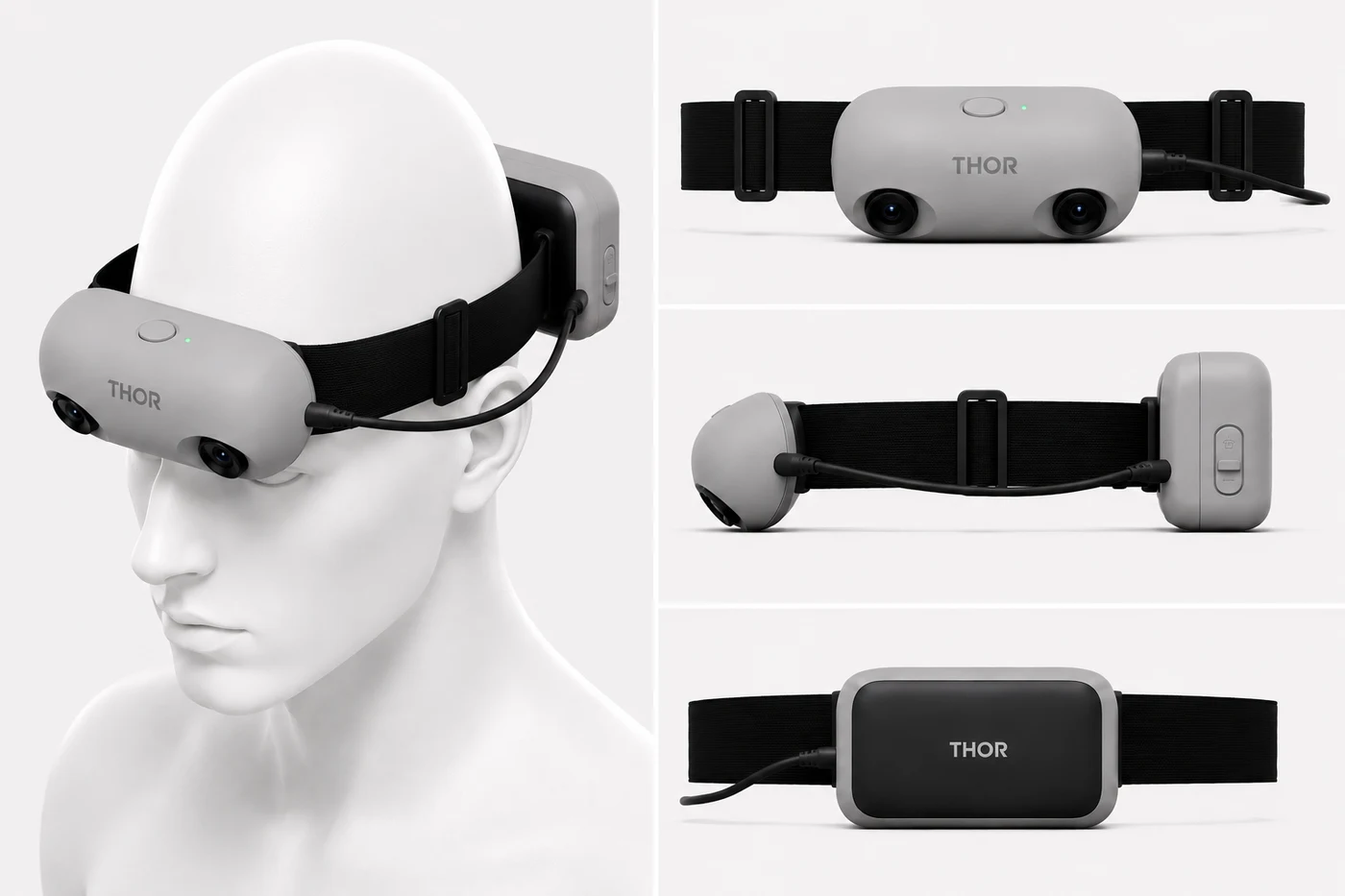 Ego Thor Series
VISION / INERTIAL
Multiple configurations
DESKTOP / A7 BIMANUAL LEARNING
Configured per project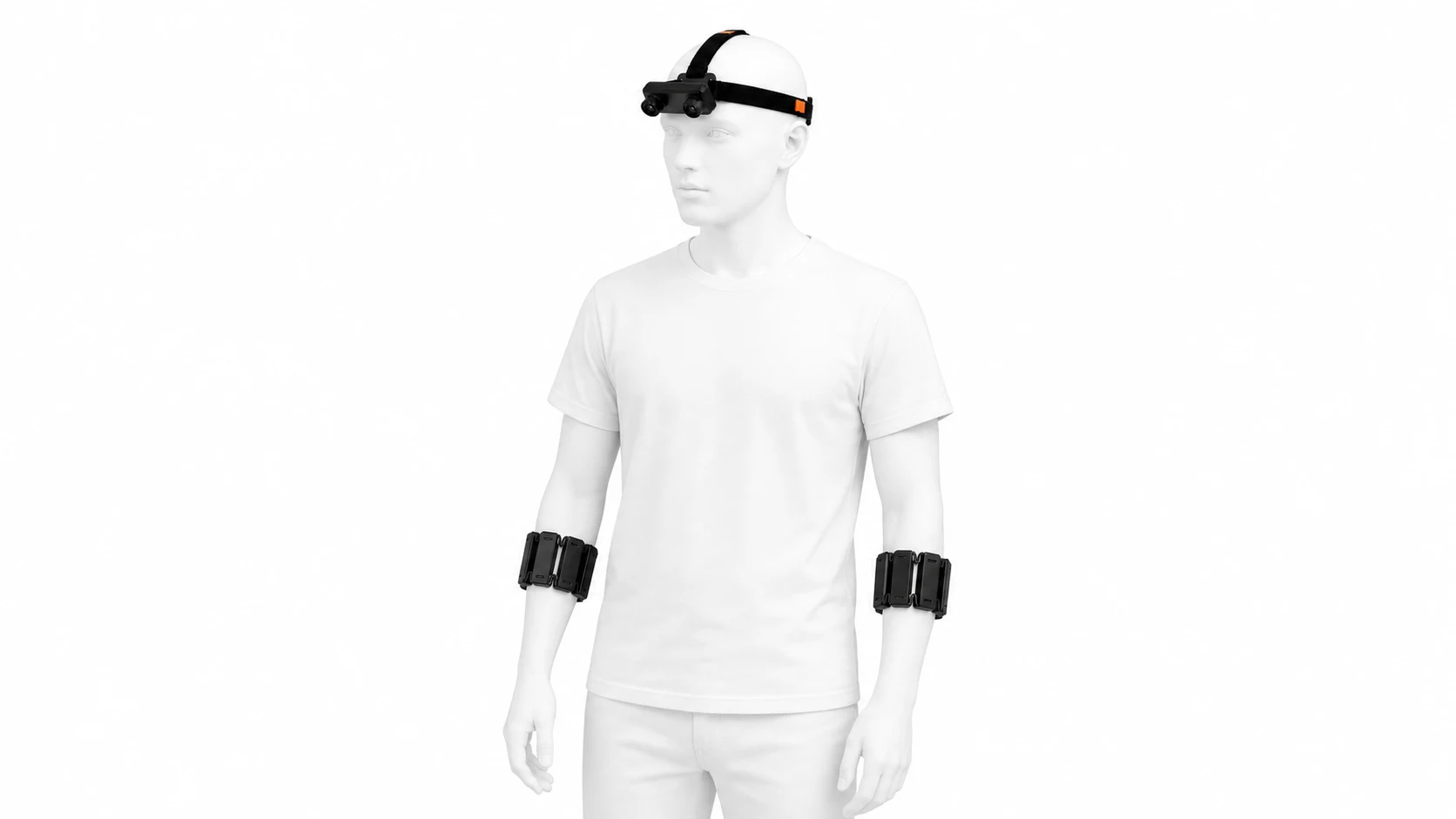 Ego + two armbands
MUSCLE / MOTION
Multiple configurationsSTART WITH YOUR TASK
From device selection to data and training workflows, we'll help you find the right place to start.