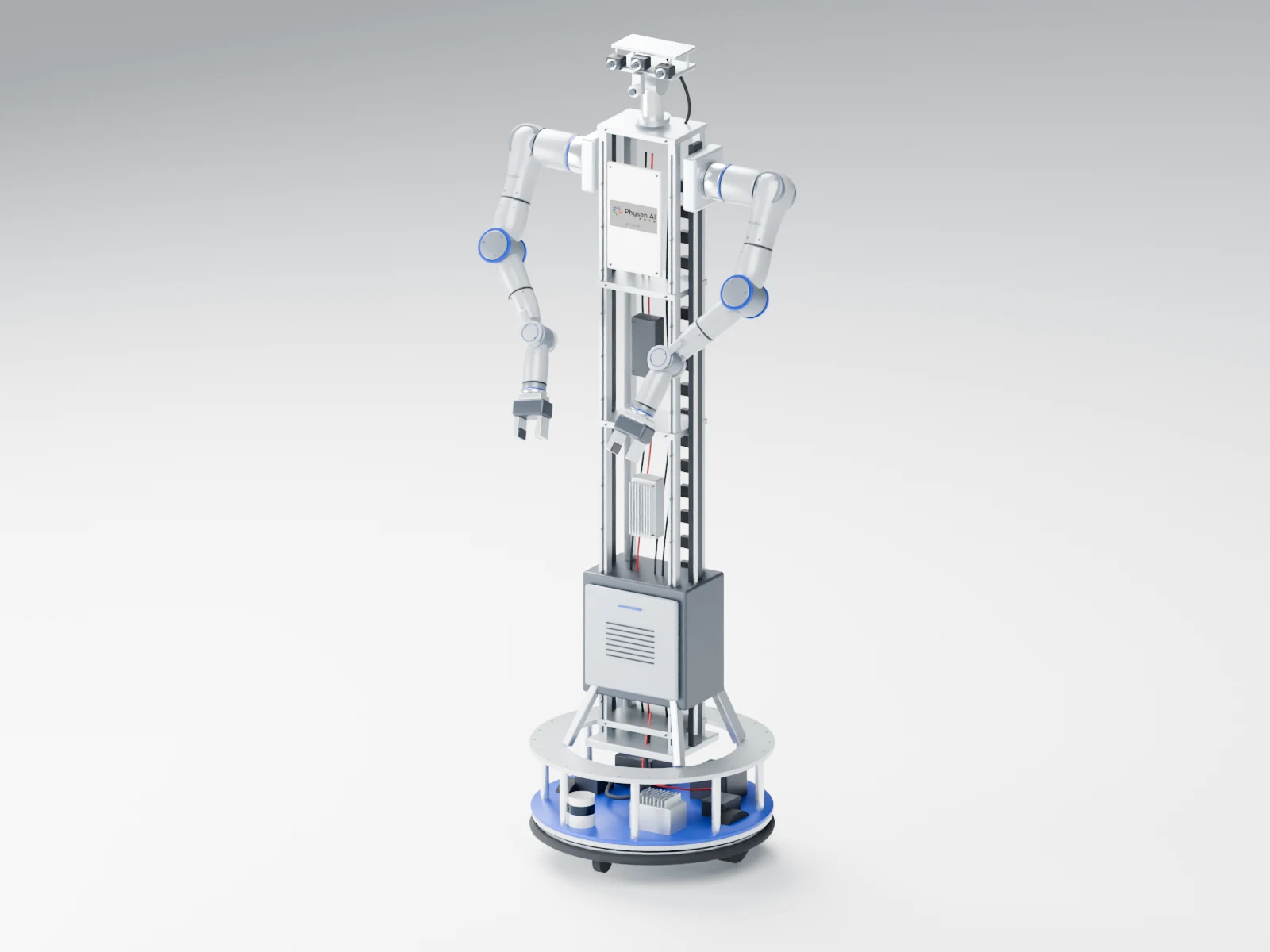
Built on the Atlas A7 7-axis arm with a shared structure, control and compute core, and a base, lift, vision, teleoperation and end effectors chosen per task. Fixed workstations, mobile manipulation and teleoperated capture are different configurations of the same platform.
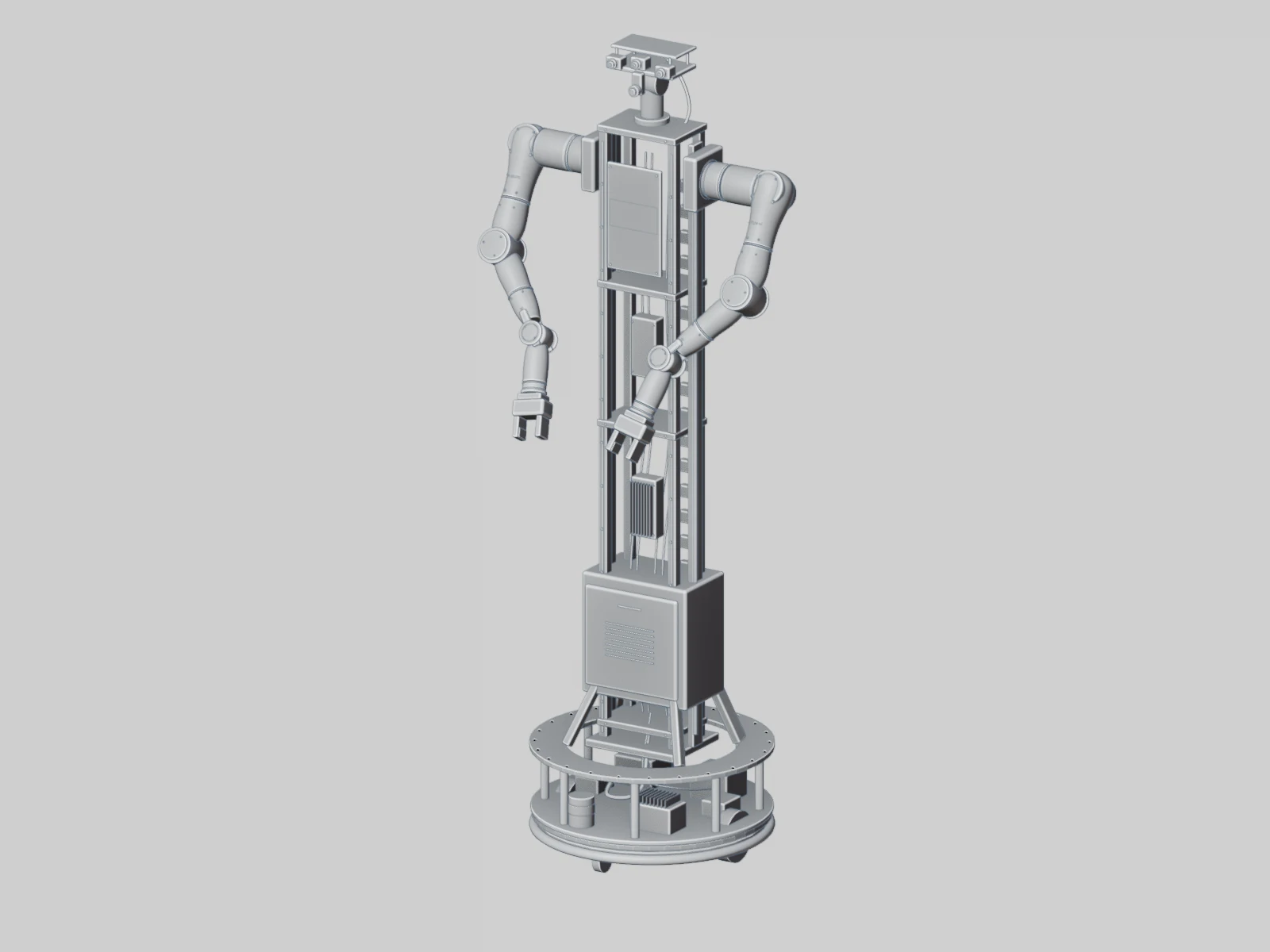
Structural design view · not a manufacturing drawing
DESIGNED AROUND A7
Rethink the whole platform around A7.
Dual A7 arms form the execution core, with the column, base, vision and separate compute module in a clear modular relationship. Fixed workstations and mobile platforms can share the same upper architecture.
See the A7 arms in relation to the whole robot from different angles, or switch to line and functional-zone views to see how the platform is organized.
One product, three ways to see it.
3D MODEL ATLAS R1
Drag to rotate · Scroll / pinch to zoom · Arrow keys
BUILT AROUND YOUR TASK
Start from your task.
Fixed, mobile and teleoperated capture share one execution and compute architecture.
Fixed workstation
Start dual-arm experiments at a defined workstation.
For tabletop manipulation, dual-arm coordination research and fixed-workstation teaching, adding vision and task end effectors step by step on the same platform.
Best for
University labs · Corporate R&D · Fixed workstations
Recommended configurations
Shared core and separate compute module
Dual A7 working arms + task end effectors
Fixed base + fixed column
Head / workstation vision as needed
The fixed configuration keeps local control, power, communication and storage.
Execution, perception, operator input and compute are selected separately, so every expansion has a clear interface.
A7 execution module
Dual A7 for a consistent execution foundation.
Two 7-axis A7 arms, left and right, form the dual-arm execution end for research on cooperative manipulation, demonstration capture and policy validation. Single-arm workstations and symmetric leader arms can use the same arm platform.
7-axis configurationLeft and right armsDual-arm coordination
Mounting, coordinate frames and zero points of each arm are checked separately; single-arm rated figures do not equal measured system capability.
Commands, state, vision, end-effector data Paired with task events and calibration versions
Recorded · Quality-checked · Traceable
Leader and follower are supported independently; split deployment fits different workstations. Bilateral force feedback, cross-network latency and adaptation to different input methods need dedicated validation.
Control stays local; compute scales with the task.
The separate compute module is part of the R1 platform; both fixed and mobile configurations keep local compute and storage.
On the robot
Local control
Joint and mechanism control, enabling, limits, emergency stop and status monitoring.
On the robot
Separate compute module
Sensor ingestion, sync, capture and local caching, with policy inference added as needed.
On site / server room
Shared workstation
Teleoperation interface, data processing, model R&D, training and evaluation.
Connected as needed
Data and model platform
Data management, model versions and releases, deployed privately or as a cloud service.
Get the capture right first.
Local control + capture compute + local storage, with caching and upload configured by camera bitrate and task duration. Connects to a workstation PC; no high-power GPU needed by default.
Tell us your research direction, workstation conditions and existing equipment, and we'll define the execution, vision, teleoperation and compute setup together.